

Editable Graphics to support Missions Conferences, Missions Trips, and Events
NEWEST DESIGNS
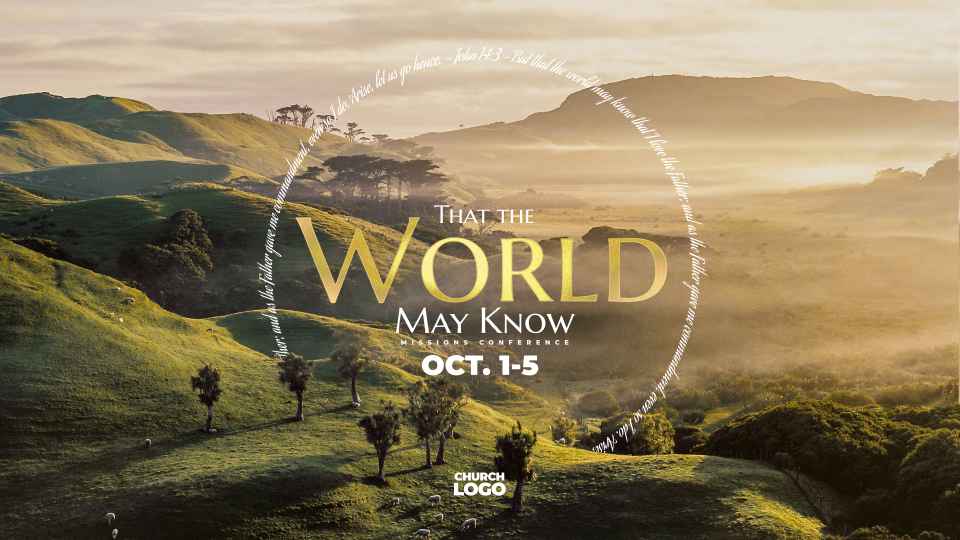

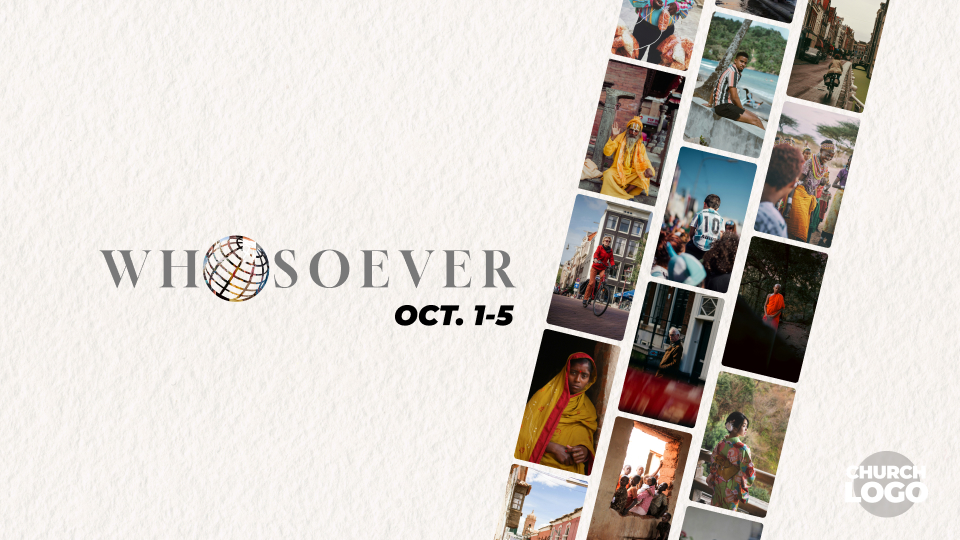
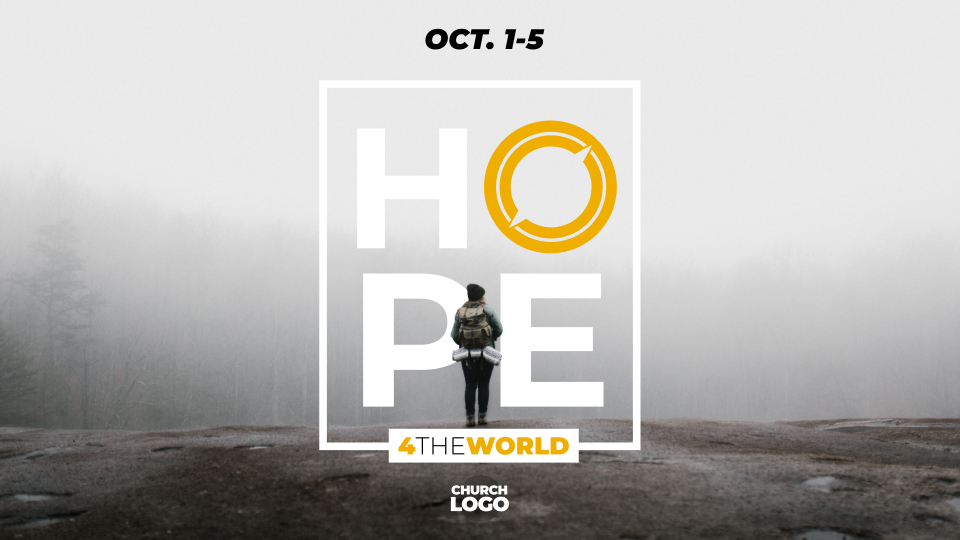
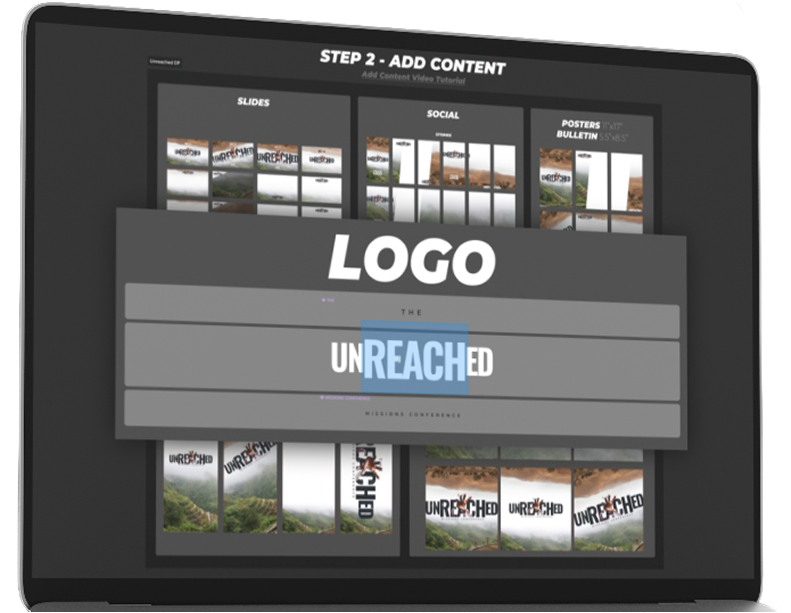
All include a Quick-Edits section to change the logo text, language, date and church logo across over 40 layouts instantly.
SUPPORT & LOGIN
Design Packs are now exclusively included with support to the Mission Office at $10 a month.
1 Login at BBFIMISSIONS.COM
2 Go to the Profile Icon
3 Click Design Packs
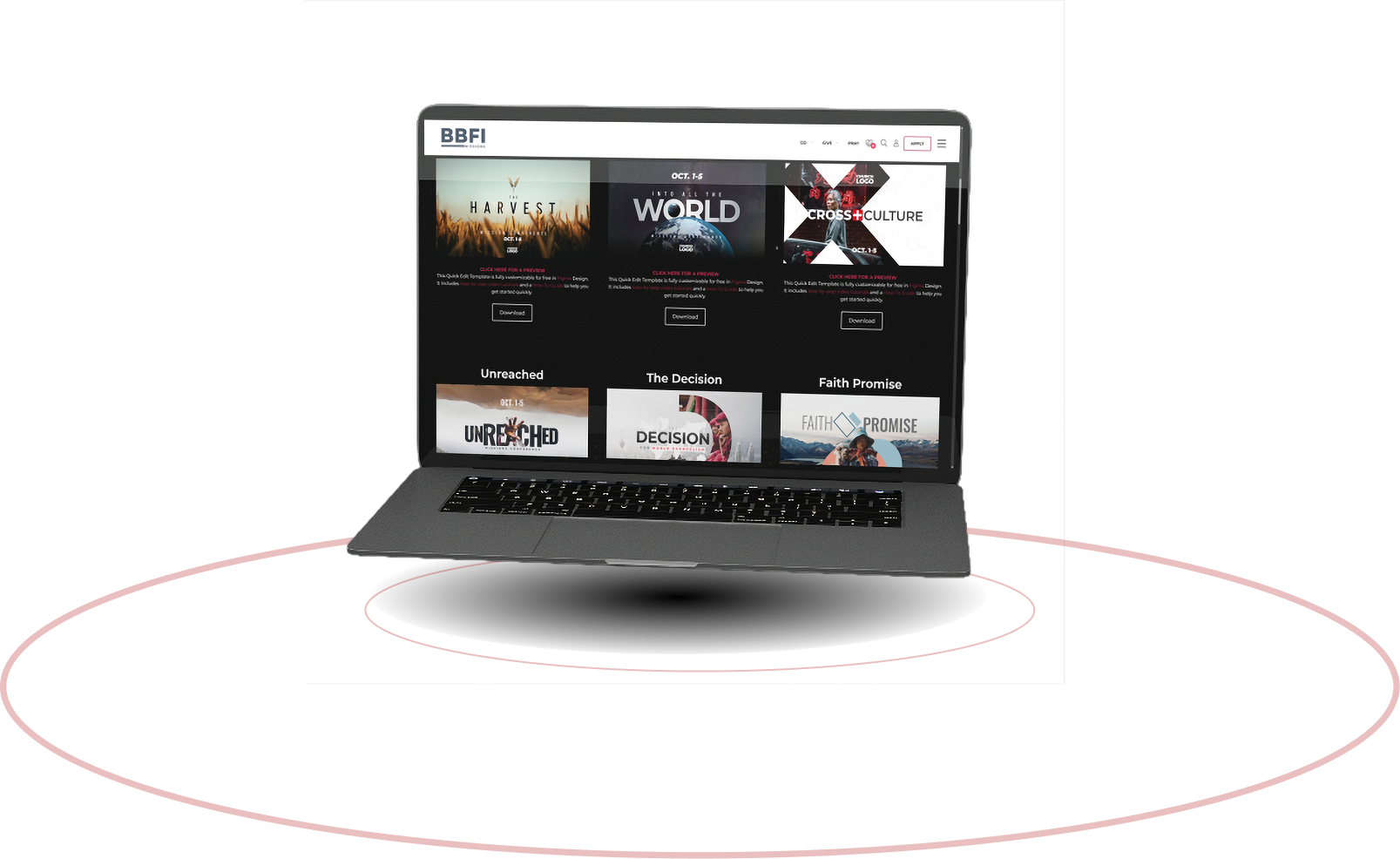
A LIBRARY OF THEMES
-
LOGIN AT BBFIMISSIONS.COM and “Design Packs” will automatically appear in the YOUR account menu.
-
EDITABLE WITH FREE TOOLS AT FIGMA.COM
-
INCLUDES TUTORIALS AND A HOW-TO GUIDE
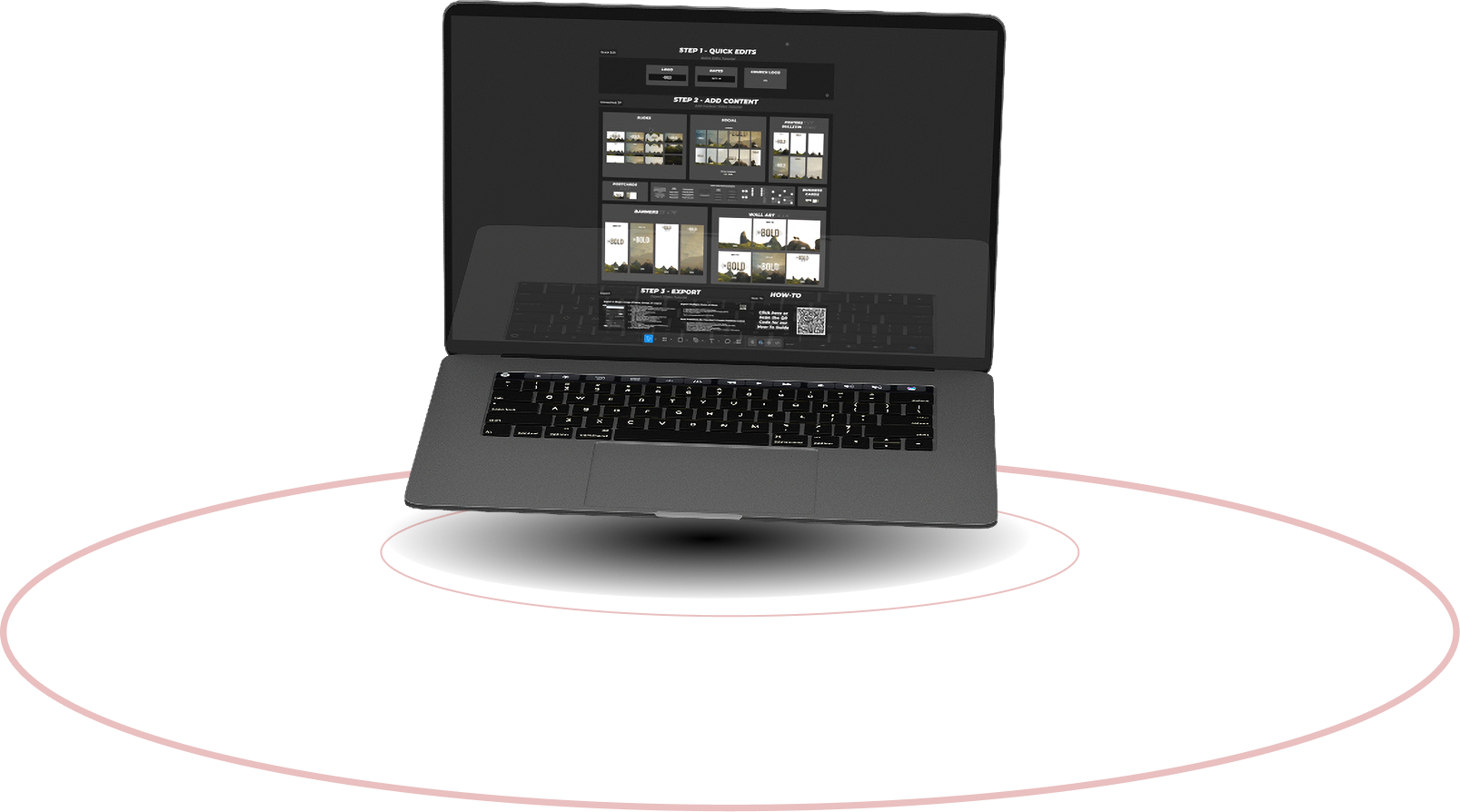
DESIGNED FOR A CAMPAIGN WITH A VARIETY OF FORMATS
-
WITH PREBUILT ELEMENTS COPY AND PASTE TO ADD SCHEDULES, MISSIONARIES, SPEAKERS, TITLES, VERSES, AND MORE.
-
LAYOUTS FOR SOCIAL, PRINT, AND DIGITAL
EASY TO USE QUICK EDITS
-
RENAME THE ENTIRE THEME
-
CHANGE THE LANGUAGE
-
ADD YOUR CHURCH LOGO
-
ADJUST THE DATES
Design Packs are now exclusively included with support to the Mission Office at $10 a month.
1 Login at BBFIMISSIONS.COM
2 Go to the Profile Icon
3 Click Design Packs
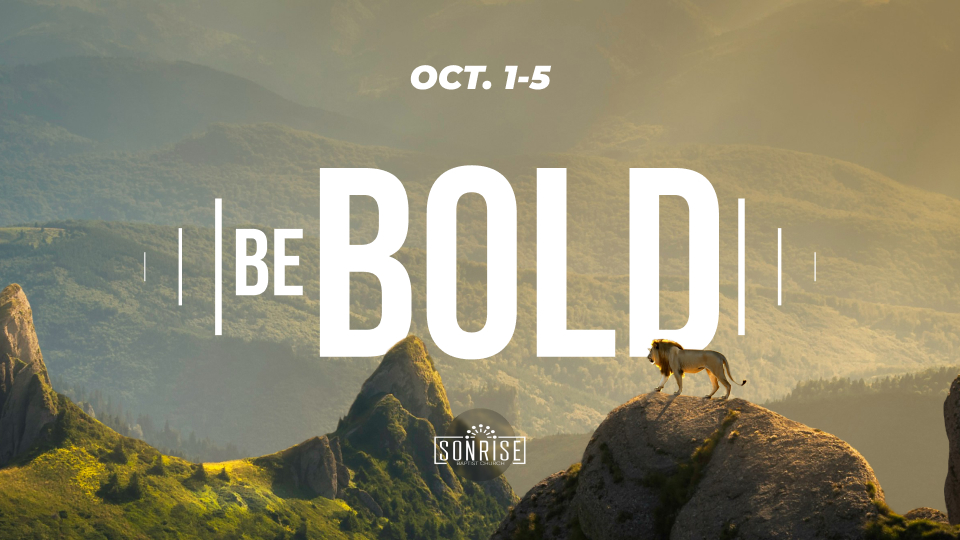
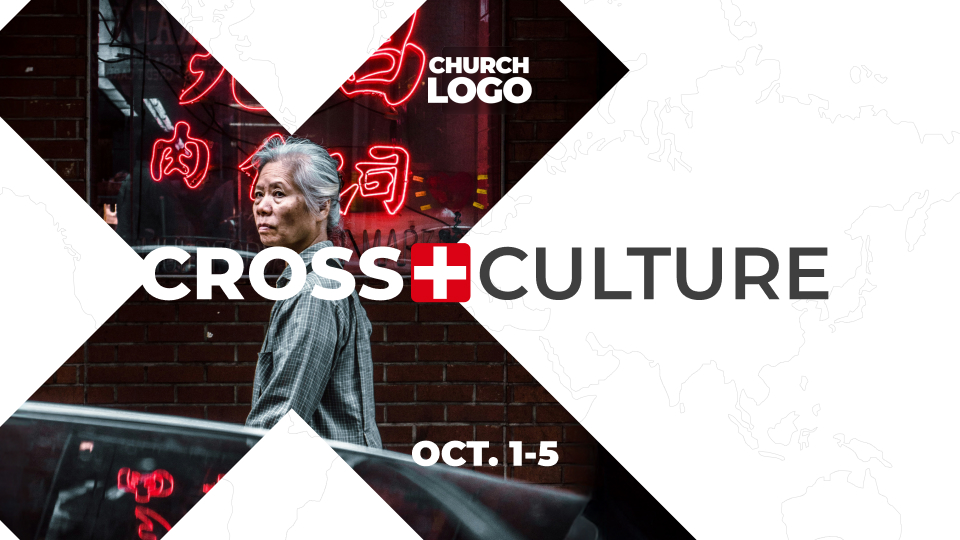
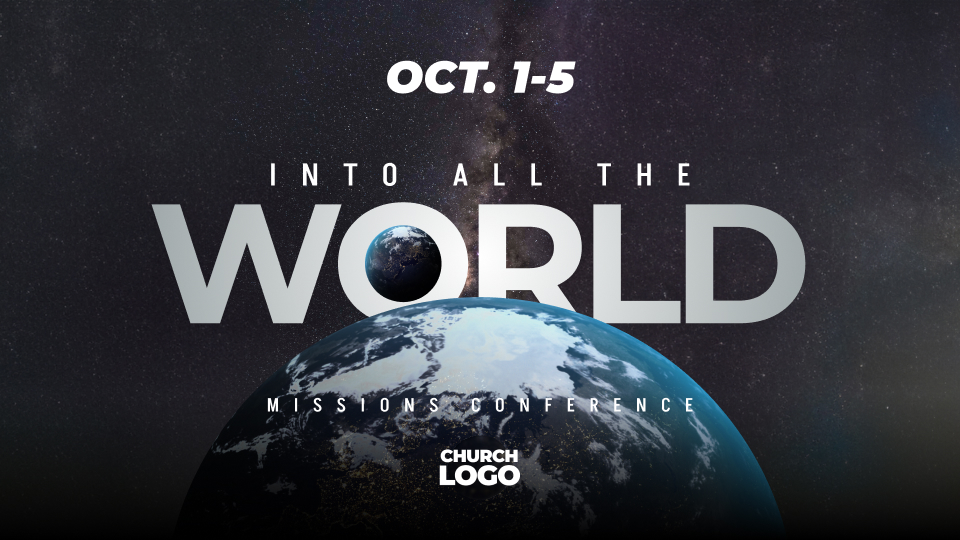
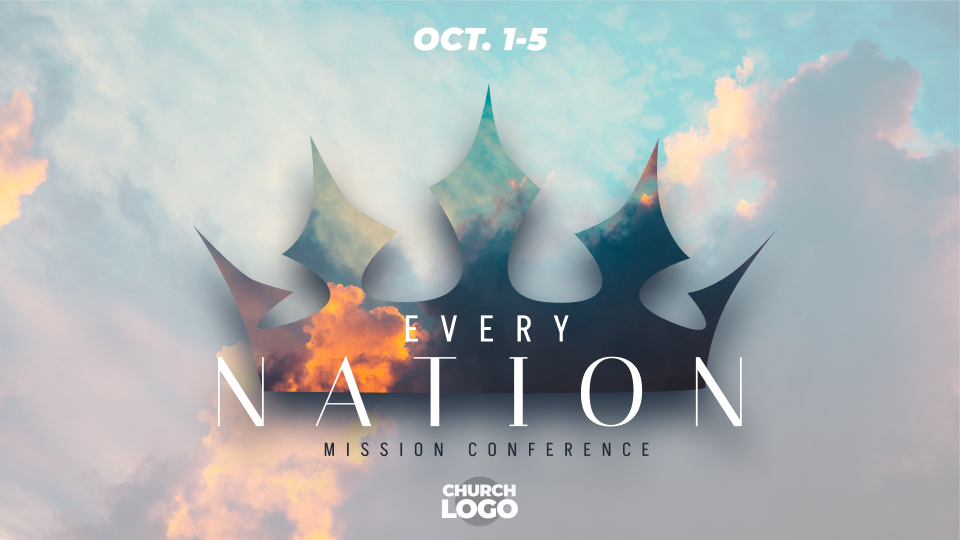
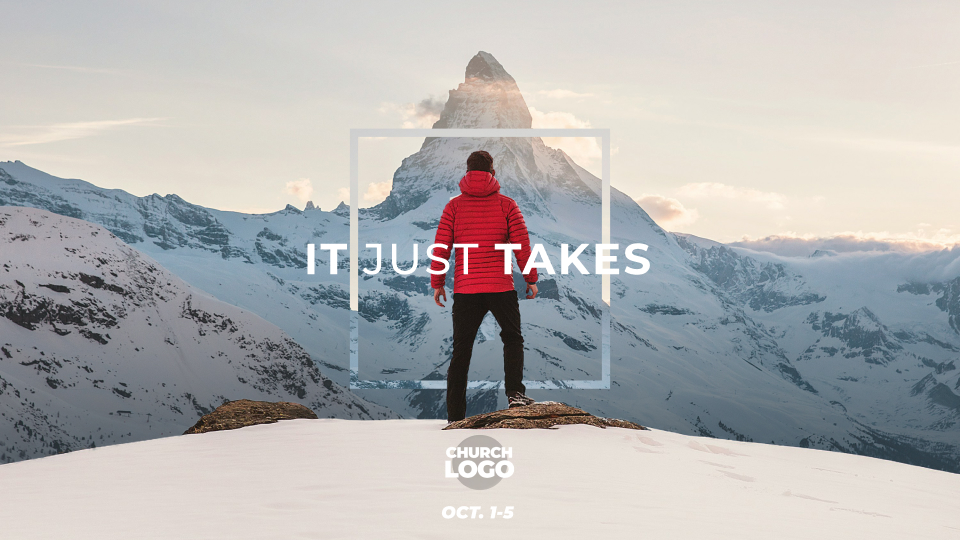
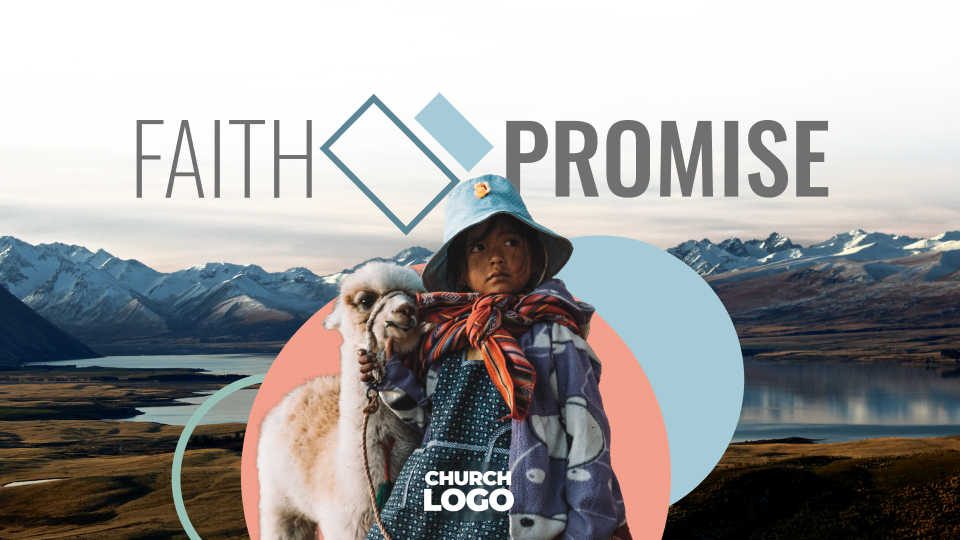
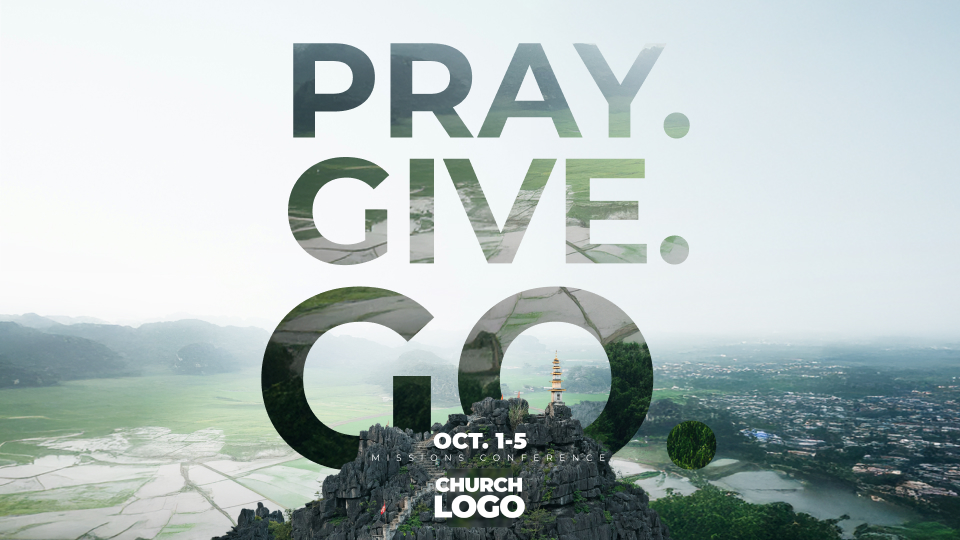
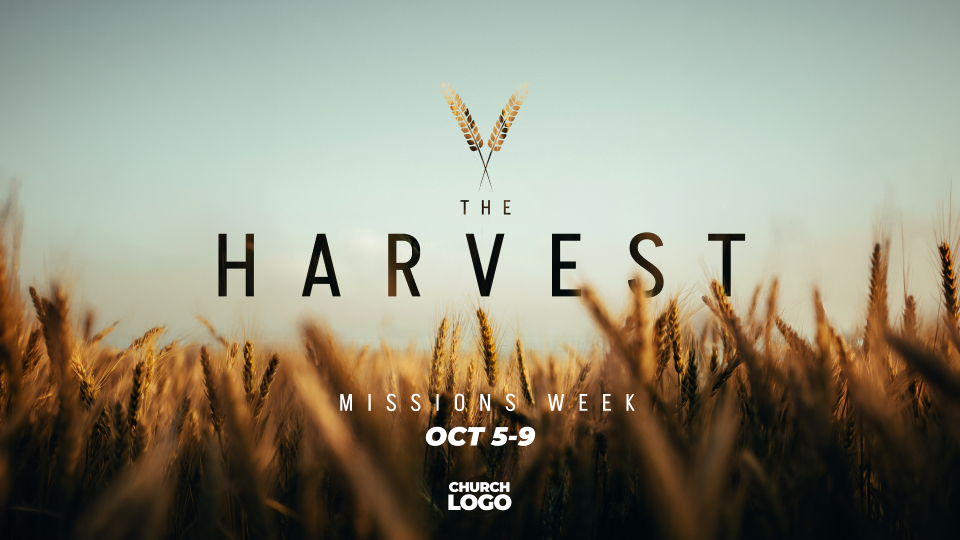
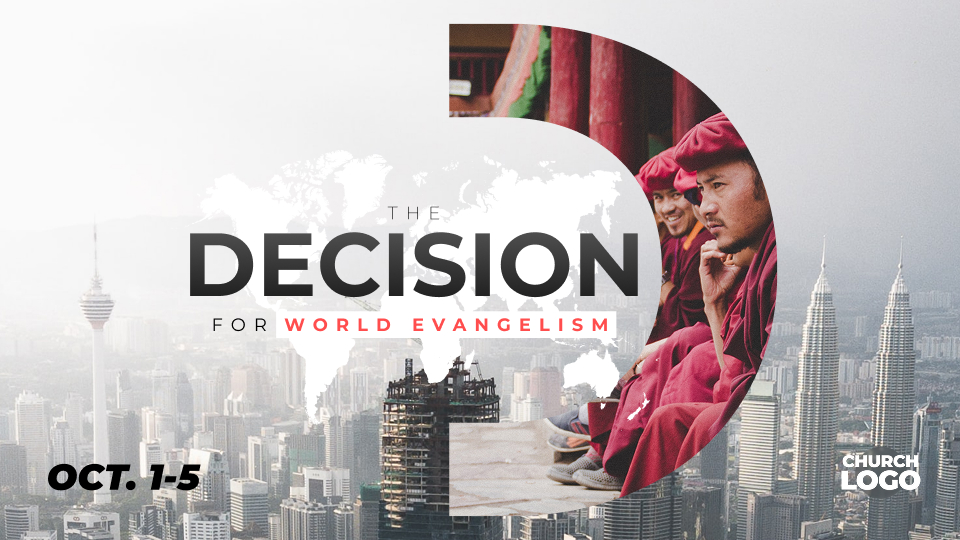
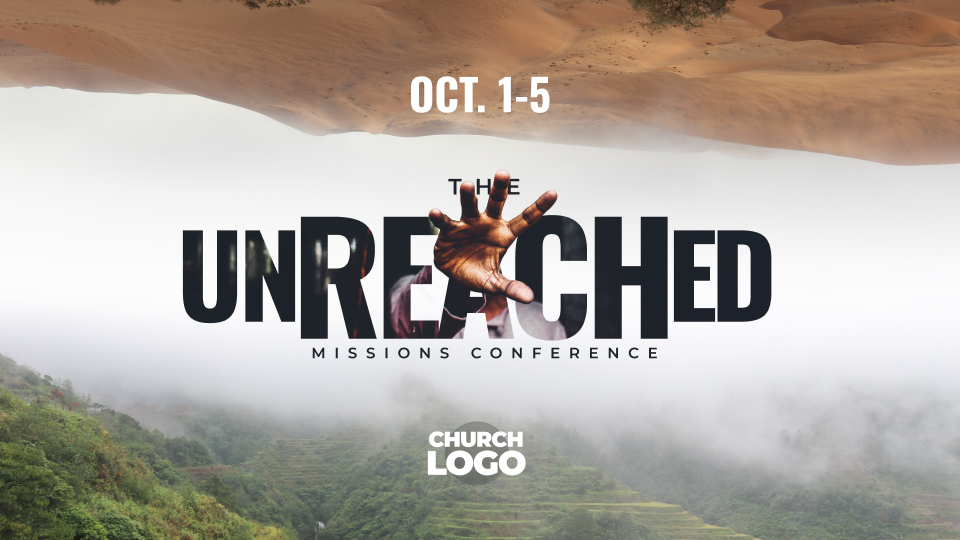

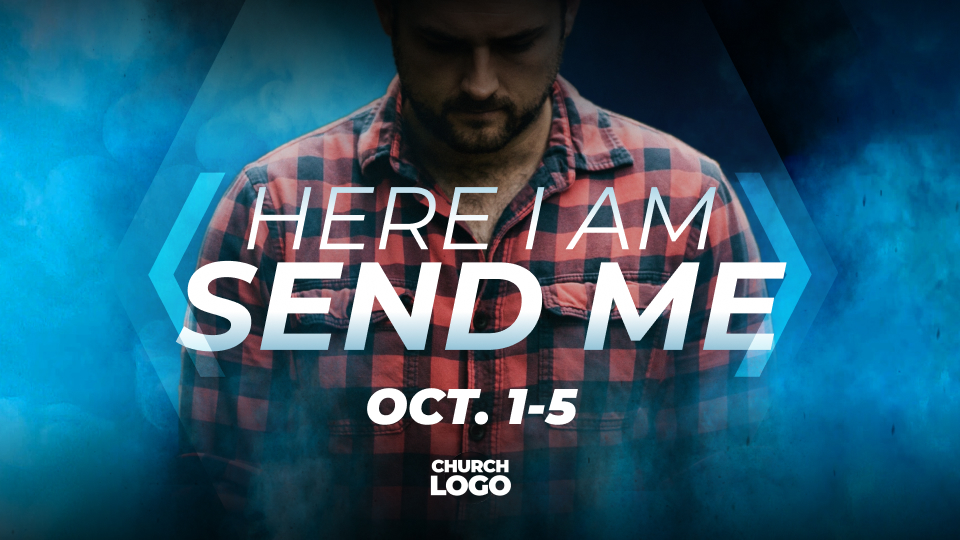
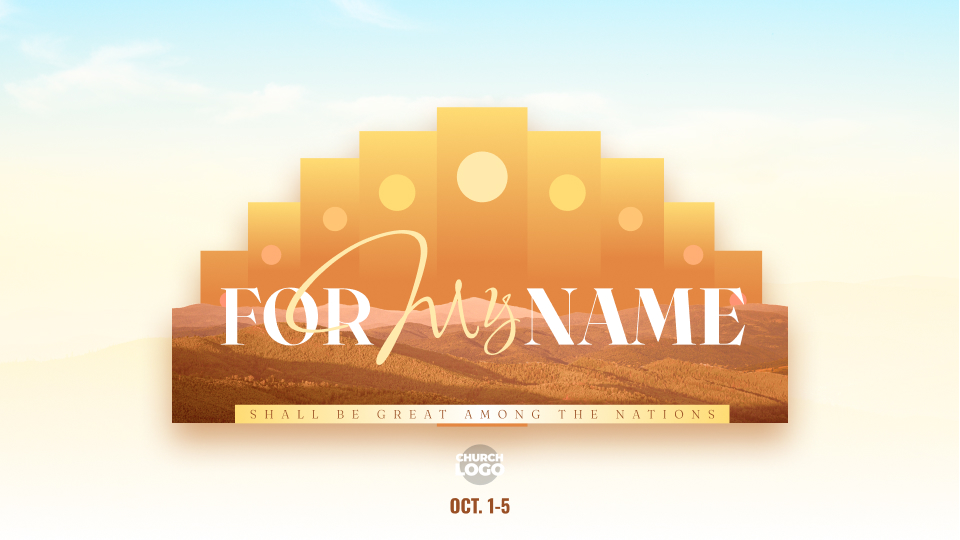
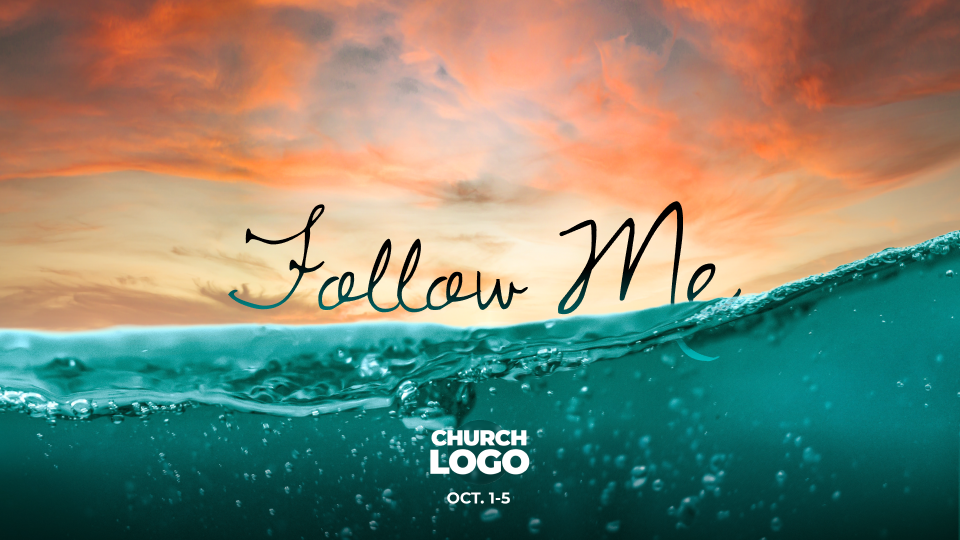

Missions Conference Graphics for Churches
Planning a missions conference or special missions service? Design Packs from BBFI Missions provide coordinated graphics to help churches promote missions conferences, missionary presentations, special services, and ministry events. Customize your graphics with missionary names, conference dates, speakers, Bible verses, and your church's information. Create a consistent visual theme for your missions conference across social media, presentations, print materials, and other promotional resources. Explore our design packs to find a theme for your next missions event.
What's Included in a Design Pack?
-
Social media graphics
-
Presentation slides
-
Materials for Print
-
Promotional graphics
-
Editable layouts and design elements
Who Are Design Packs For?
-
Pastors
-
Missions directors
-
Church communications teams
-
Church media volunteers
-
Missionaries and ministry leaders
How Do You Edit the File?
Design Packs use Figma, a free, cloud-based design editor that allows you to customize each design. Simply download the project file (.fig) and upload it to your Figma dashboard to get started.
Watch the tutorial “Getting Started” for step-by-step instructions.